Text Is a Terrible Business Interface. Generative UI Wins.

TL;DR
- Text-based chat interfaces are high-friction and low-completion for most business workflows, and the "blank page" problem is real
- Google's A2UI enables agents to render native UI components (forms, date pickers, dashboards) instead of text walls, converting intent into structured interaction
- The long-term shift is from building screens to building components that agents assemble in real time
Text is a terrible interface for doing business. We've spent the last two years building chatbots. Some of them are genuinely impressive. But the dominant interaction pattern (a blank text field with a blinking cursor) has a fundamental problem. Users don't know what to ask. They stare at the empty input, type something vague, get a wall of text back, and then try to extract the one piece of information they actually needed.
That's not a good user experience. It's a research interface masquerading as a product.
Google's release of A2UI (Agent-to-User Interface) signals that the industry is starting to acknowledge this. And the implications for product builders are significant.
Why do chatbot engagement rates drop after the first week?
Every chatbot product team has seen the same analytics pattern. Engagement is high in the first week. Users are curious. They test the boundaries. Then usage drops off a cliff.
The reason isn't that the AI isn't good enough. It's that the interface demands too much of the user. A blank text field puts the entire burden of interaction on the person typing. They have to know what's possible, formulate their request in natural language, interpret the response, and figure out what to do next.
Compare that to a well-designed traditional interface. A form with fields, labels, and validation guides the user through a process. A dashboard surfaces the most important information without being asked. A date picker eliminates an entire class of input errors.
We didn't arrive at these patterns by accident. Decades of UX research taught us that structured interfaces outperform unstructured ones for task completion. Then we built chatbots and threw all of that knowledge away.
The chatbot era was necessary. It proved that natural language interaction with AI is possible and valuable. But treating a text box as the permanent interface for AI-powered products is like treating the command line as the permanent interface for computing. It works for power users. It fails for everyone else. This is why the AI usage gap is a product architecture problem, not a training problem.
What A2UI actually changes
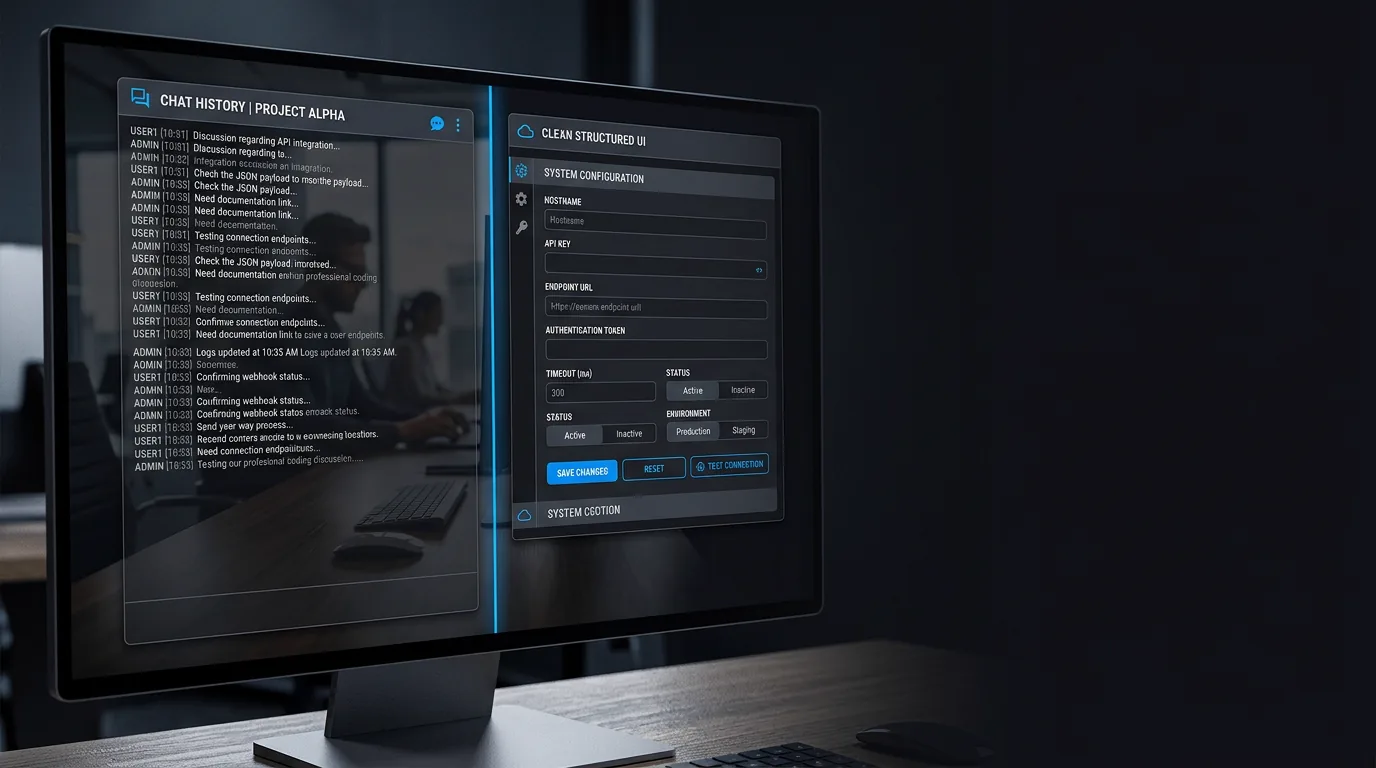
Google's A2UI allows an agent to stop talking and start rendering. When the agent recognises intent, it can serve a native, interactive UI component (a form, a date picker, a confirmation dialog, a dashboard widget, a data table with sorting and filtering) instead of generating another paragraph of text.
The interaction pattern shifts from:
User: "What were our top-performing campaigns last quarter?" Agent: [500-word text response with numbers buried in paragraphs]
To:
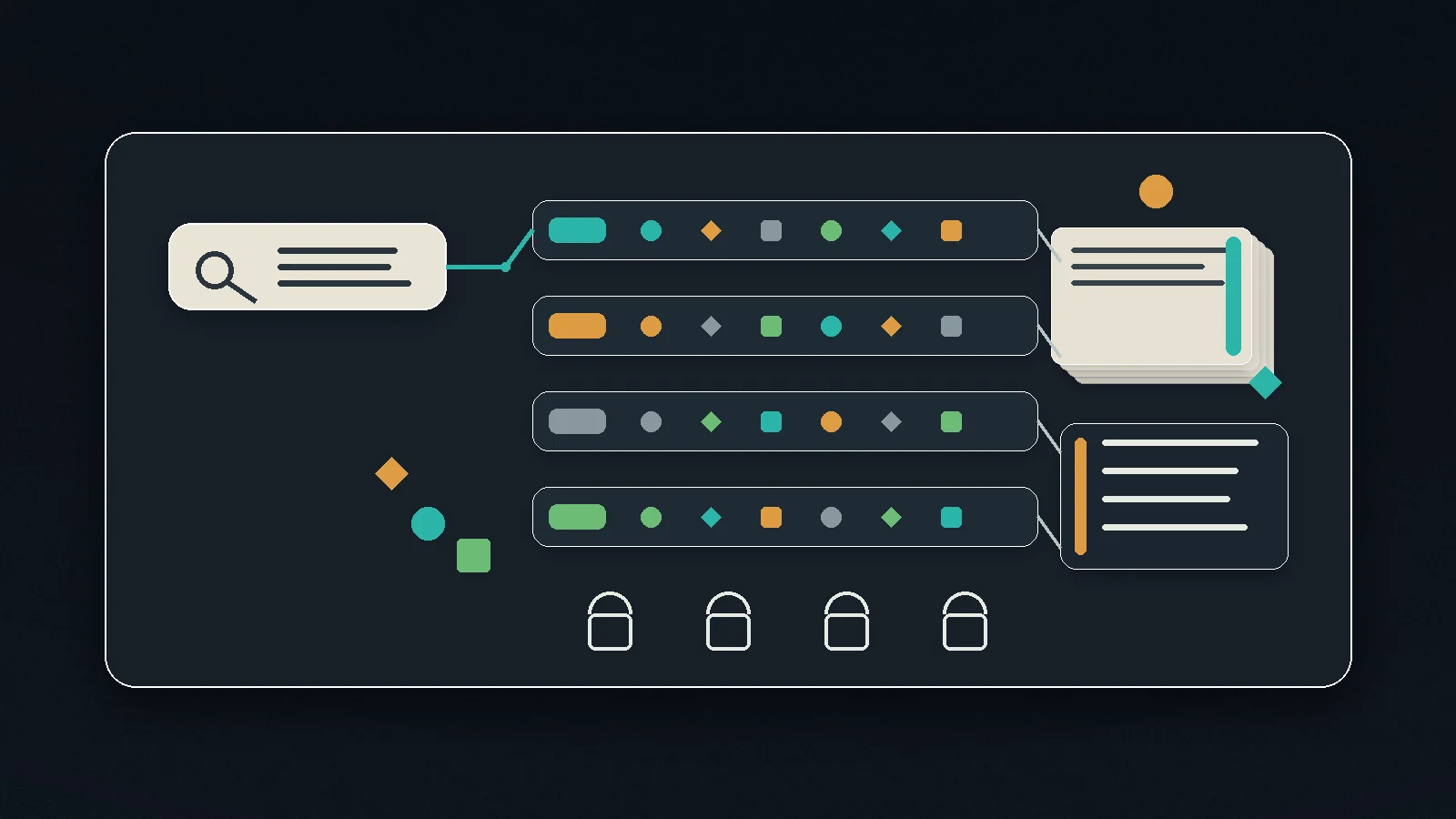
User: "What were our top-performing campaigns last quarter?" Agent: [Interactive table with columns for campaign name, spend, ROAS, and conversion rate, sortable and filterable, with a chart showing the trend]
Same question. Same underlying data. Dramatically different usability. The user can scan, sort, filter, and act on the information instead of reading and re-reading a text block trying to find the number they need.
This is the shift from conversational AI to generative interfaces. The agent doesn't just answer questions. It renders the right interface for the answer.
The result is a direct line to revenue. We swap unstructured chat (high friction, low completion) for structured UI (low friction, high completion). If your AI copilot is a margin trap because it's adding cost without removing workflow, generative UI is how you remove the workflow entirely. For any workflow that ends in a transaction (booking, purchasing, approving, submitting) this difference in completion rate is the difference between a feature that demos well and a feature that makes money.
How does generative UI change what product teams build?
This is where it gets interesting for product teams.
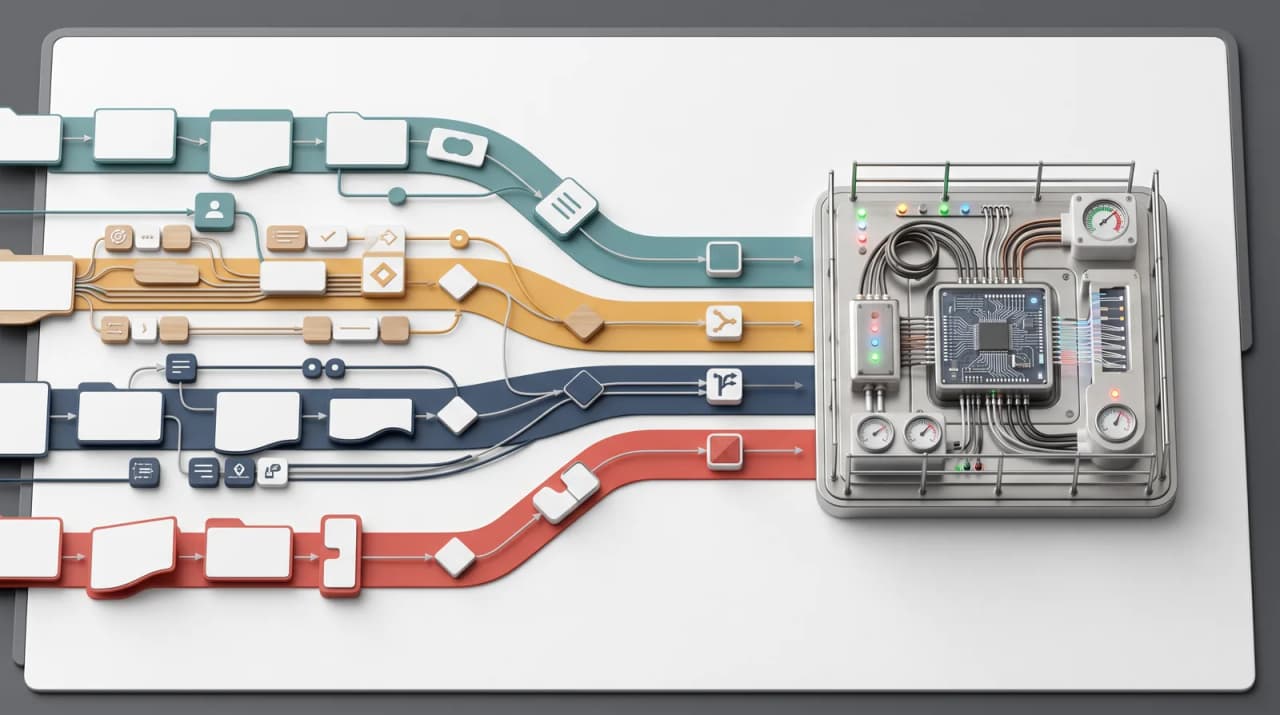
Currently, product teams build hundreds of static screens to handle edge cases that a small percentage of users might ever encounter. Every permutation of state, every error condition, every configuration option gets its own designed, built, and maintained screen. The long tail of screens is enormous, expensive, and mostly unseen.
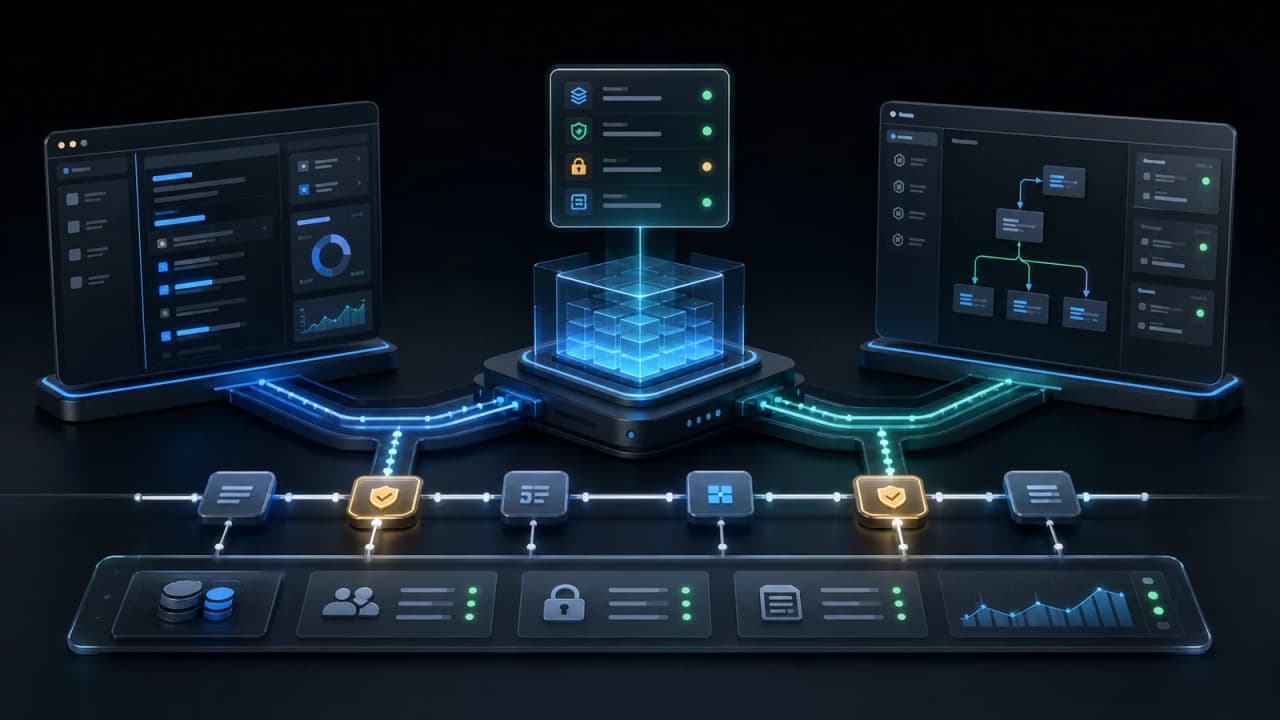
With A2UI and a strong design system, the model changes. We stop building screens. We build components. The agent assembles the interface in real time, bespoke to the problem the user has right now.
Think about what this means practically. Instead of building a "campaign performance report" page with fixed layout, fixed filters, and fixed visualisations, you build a library of components (tables, charts, filters, metric cards) and the agent composes them based on what the user is actually asking. One user gets a table. Another gets a chart. A third gets both with a different set of filters pre-applied. Same components, different assemblies, each tailored to the specific question.
This doesn't eliminate the need for design. If anything, it elevates it. The design system becomes the product's DNA: the set of primitives that the agent can compose. The quality of those primitives determines the quality of every generated interface. A weak design system means the agent produces janky, inconsistent experiences. A strong design system means every generated interface feels intentional and polished.
Component design, token systems, interaction patterns, accessibility standards: these become more important in a generative UI world, not less. I cover the principles behind this shift in my AI UX and interaction design handbook chapter. The difference is that designers stop designing pages and start designing the building blocks that an agent assembles into pages.
AI as architect
This is the deeper shift that A2UI represents. AI isn't just a feature inside your app anymore. It's becoming the architect of the app itself.
The traditional model: designers design screens, engineers build screens, users navigate screens. The AI model: designers design components and systems, engineers build components and agent orchestration, the AI assembles the interface in response to user intent.
The user's experience is no longer bounded by what the product team anticipated and pre-built. It's bounded by what the component library can express and what the agent can compose. That's a vastly larger surface area of possible experiences, delivered with far less pre-built UI. The winning agents here won't be the ones with the best models; they'll be the ones that execute rather than chat, rendering structured outcomes instead of paragraphs.
For product builders, this demands a shift in thinking. We've been trained to think in terms of user flows: "the user clicks here, then sees this, then does that." In a generative UI world, we think in terms of capabilities: "the system can render these types of information in these types of formats, and the agent decides which combination serves this specific user's intent."
It's a different discipline. It requires comfort with non-deterministic interfaces, strong opinions about component quality, and trust in the orchestration layer. It's also, frankly, more interesting than building the 400th static screen for an edge case.
Frequently Asked Questions
Does generative UI mean we don't need designers anymore?
The opposite. Designers become more critical because they're designing the system that every generated interface inherits from. A poorly designed component library means every AI-generated interface is poor. The role shifts from "design this specific page" to "design the primitives and rules that produce good pages in any combination." That's harder, not easier.
Is A2UI production-ready or still experimental?
As of early 2026, it's early. The pattern is proven in limited contexts. Google has demonstrated it, and tools like Vercel's v0 and Anthropic's artifact rendering explore adjacent ideas. But building a production generative UI system requires a mature design system, a thorough component library, and careful testing of how the agent composes interfaces. The concept is right. The tooling is catching up.
How do you test an interface that's different every time?
You test the components individually (unit testing, accessibility testing, visual regression) and the composition rules (does the agent select appropriate components for given intents?). You also establish guardrails: certain compositions that should never occur, minimum accessibility standards that every generated interface must meet. It's closer to testing a design system than testing a specific page.
Logan Lincoln
Head of Product based in Currumbin Waters, Australia. Led a $70M regulated B2B SaaS portfolio at Cotality, then founded OpenChair and took its product strategy from market entry into paid production use.